Each column of the table includes a filter icon, represented by an inverted pyramid 🔽, allowing you to refine your search, sort data, and create custom views (e.g., search by phone number, filter by "To process" statuses, or only calls related to your department)
The "All conversations" view displays all conversations from the last 30 days for the selected agent.
As soon as the user adds a new filter to this view, they have the option to save the view
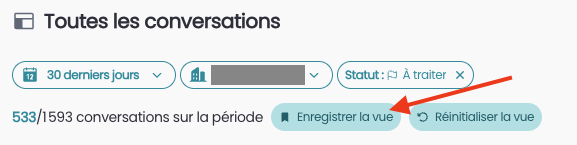
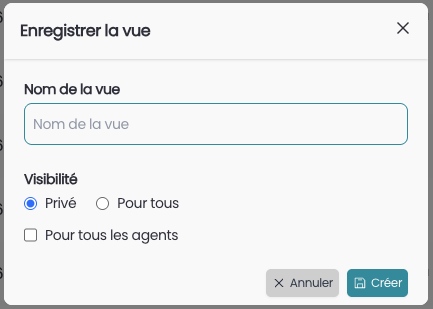
After clicking "Save view", you can assign a name to the view and configure its visibility:
Private: For you only
For everyone: Shared with your colleagues
For all agents: this view can be visible across all agents or not
If the visibility is "Private" then the view will go in the "Private views" tab
If the visibility is "For everyone" then the view will go in the "Shared views" tab
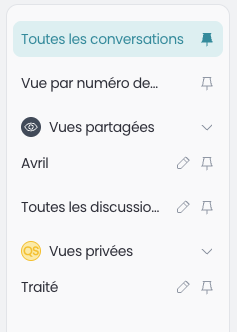
The default view is All conversations.
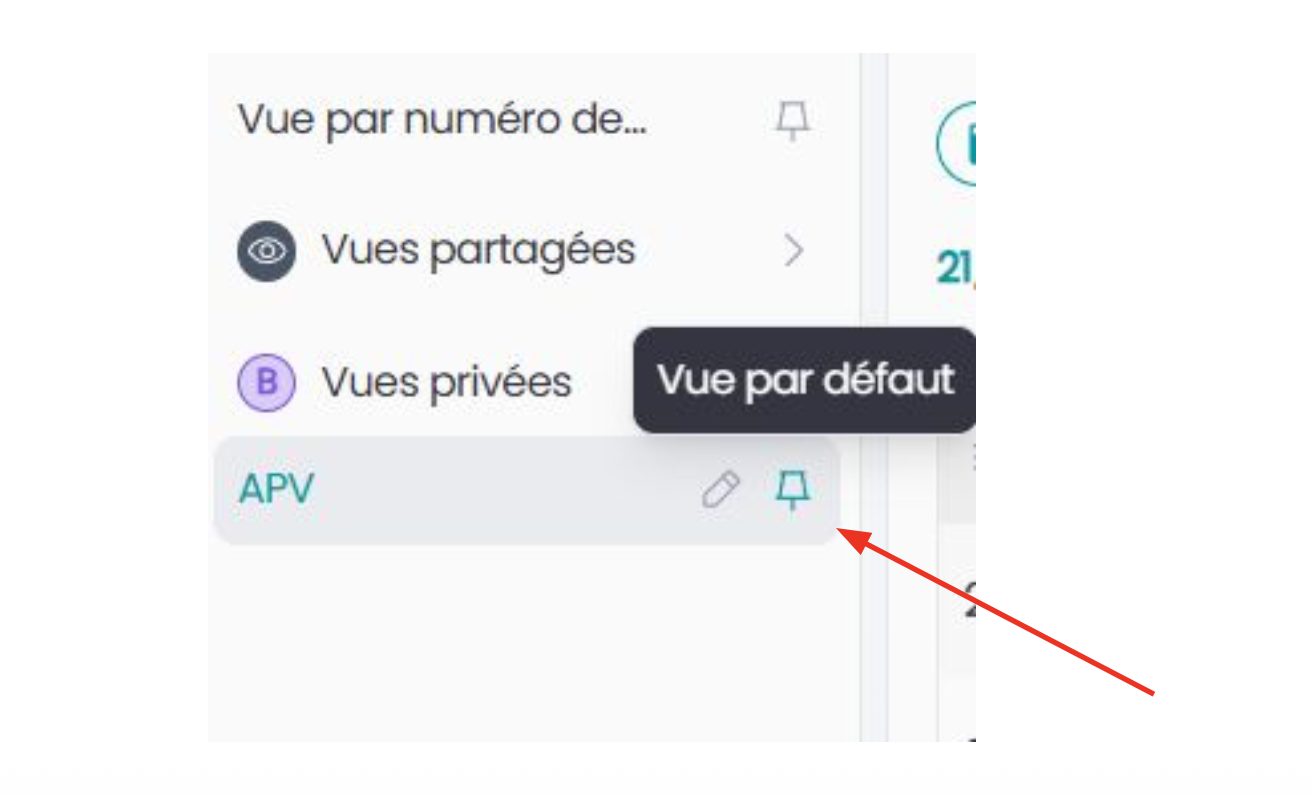
The user has the ability to have a different default view by clicking on the pin icon 📌